yt-dlp vs youtube-dl 2026: Which Video Downloader Should You Actually Use?
In 2026, yt-dlp has completely replaced youtube-dl as the go-to command-line video downloader. While youtube-dl was the original open-source tool that defined the category, yt-dlp is now the actively maintained fork with better performance, more features, and support for thousands of websites. Here’s everything you need to know to make the right choice.
The short answer: use yt-dlp. youtube-dl receives infrequent updates and lags behind on site compatibility. But read on for the full technical comparison and migration guide.
The History: Why yt-dlp Exists and What Happened to youtube-dl
youtube-dl was created in 2006 and became the gold standard for downloading videos from YouTube and other platforms. By 2020, it supported over 1,000 websites and had millions of users worldwide. However, in October 2020, the RIAA issued a DMCA takedown that temporarily removed youtube-dl from GitHub, sending shockwaves through the open-source community.
While youtube-dl was eventually restored, the incident highlighted a deeper problem: development had slowed significantly. Pull requests sat unmerged for months, critical bug fixes took weeks to ship, and new site support lagged behind platform changes. youtube-dl’s release cadence dropped from near-daily to sporadic updates.
Enter yt-dlp. Created as a fork of youtube-dl in 2020 by developer pukkandan, yt-dlp began incorporating the backlog of unmerged patches, adding new features, and maintaining rapid update cycles. By 2023, yt-dlp had surpassed youtube-dl in both features and active development. In 2026, yt-dlp receives updates multiple times per week, while youtube-dl’s last significant update may be months old.
The result is clear: yt-dlp is the actively maintained future of command-line video downloading, while youtube-dl has effectively become a legacy project. Most guides, tutorials, and community support now focus on yt-dlp.
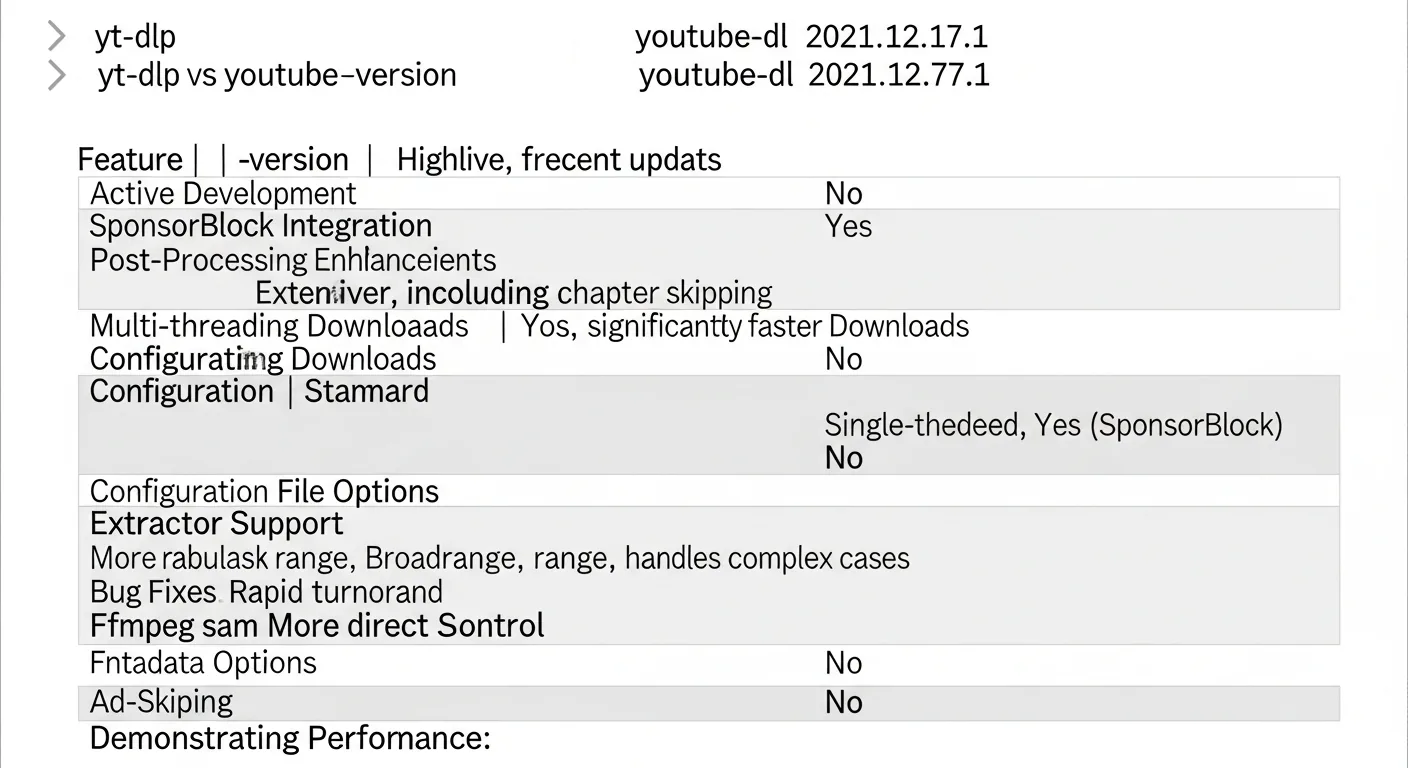
Feature Comparison: yt-dlp vs youtube-dl in 2026
Site Support: yt-dlp supports over 1,800 websites in 2026, compared to youtube-dl’s approximately 1,200. More importantly, yt-dlp fixes site-specific issues within days when platforms change their APIs or page structures, while youtube-dl may take weeks or months to address the same breakage. If you primarily download from YouTube, this matters less — but for users downloading from TikTok, Instagram, Twitter/X, or streaming platforms, yt-dlp’s broader and more current support is essential.
Download Speed: yt-dlp includes built-in throttle avoidance for YouTube downloads, which can dramatically improve speeds. YouTube actively throttles downloads from known tools, and yt-dlp’s countermeasures result in speeds 3-10x faster than youtube-dl in many cases. yt-dlp also supports concurrent fragment downloads, allowing parts of a video to download simultaneously rather than sequentially — a feature absent from youtube-dl.
Format Selection: Both tools let you choose video quality and format, but yt-dlp offers more sophisticated format selection syntax. You can specify preferred codecs (AV1, VP9, H.264), merge separate video and audio streams automatically, prefer certain container formats, and set fallback preferences — all in a single format selection string. yt-dlp also better handles YouTube’s format changes, including the transition to AV1 encoding for higher-quality streams.
SponsorBlock Integration: yt-dlp integrates with SponsorBlock, a community-driven database that identifies sponsored segments, intros, outros, and filler in YouTube videos. You can automatically skip or remove these segments during download — a feature youtube-dl doesn’t offer. For users archiving educational or entertainment content, this removes significant manual editing work.
Metadata and Embedding: yt-dlp can embed thumbnails, subtitles, chapter markers, and metadata directly into downloaded files. It handles YouTube chapters natively, creating proper chapter markers in downloaded MP4 files that your media player can navigate. It also supports embedding sponsorship information, descriptions, and comment data for archival purposes.
Plugin System: yt-dlp introduced a plugin architecture that allows community developers to add support for new sites, post-processors, and features without modifying the core codebase. This extensibility accelerates development and makes yt-dlp adaptable to new platforms as they emerge.
Installation and Getting Started with yt-dlp
Windows: The easiest method is downloading the standalone executable from yt-dlp’s GitHub releases page. No installation needed — just place the .exe in a folder and run from the command prompt. Alternatively, install via winget: winget install yt-dlp, or pip: pip install yt-dlp.
macOS: Install via Homebrew with brew install yt-dlp. This also handles updates with brew upgrade yt-dlp. Alternatively, use pip or download the binary directly from GitHub.
Linux: Most distributions include yt-dlp in their package managers. On Ubuntu/Debian: sudo apt install yt-dlp. On Arch: sudo pacman -S yt-dlp. The pip installation (pip install yt-dlp) typically provides the most current version across all distributions.
Essential commands:
yt-dlp URL— Download at best available qualityyt-dlp -f "bestvideo[height<=1080]+bestaudio" URL— Download best 1080p video with best audioyt-dlp --write-subs --sub-lang en URL— Download with English subtitlesyt-dlp -x --audio-format mp3 URL— Extract audio only as MP3yt-dlp --sponsorblock-remove all URL— Download with sponsor segments removed
For users who prefer a graphical interface, check our guide on the best YouTube downloaders which includes GUI wrappers for yt-dlp like Stacher and Tartube.
Migrating from youtube-dl to yt-dlp
If you're currently using youtube-dl, migrating to yt-dlp is straightforward because yt-dlp maintains backward compatibility with youtube-dl's command-line syntax. Most youtube-dl commands work identically in yt-dlp without modification.
Step 1: Install yt-dlp using any method above. You can keep youtube-dl installed simultaneously — they don't conflict.
Step 2: Test your existing commands by simply replacing youtube-dl with yt-dlp in your scripts or workflow. In most cases, this is the only change needed.
Step 3: Review yt-dlp's default behavior changes. yt-dlp makes some sensible default changes compared to youtube-dl: it prefers the best available format by default (youtube-dl sometimes selected lower quality), it handles merging separate audio and video streams automatically when ffmpeg is available, and it outputs more informative progress information.
Step 4: Update your configuration file. If you use a youtube-dl config file (typically at ~/.config/youtube-dl/config), yt-dlp reads its config from ~/.config/yt-dlp/config. Copy your existing config and make any desired adjustments for yt-dlp-specific features.
Step 5: Explore new features. Once migrated, experiment with concurrent downloads (-N 4 for 4 simultaneous fragment downloads), SponsorBlock integration, and improved format selection to optimize your workflow.
For users working with Twitter/X video downloads, yt-dlp's improved site support makes it significantly more reliable than youtube-dl for these constantly-changing platforms.
When to Use a GUI Alternative Instead
Command-line tools aren't for everyone. If you prefer a graphical interface, several excellent options build on yt-dlp's engine:
Stacher: The most seamless GUI wrapper for yt-dlp. It auto-installs and updates yt-dlp, provides a clean paste-and-download interface, and supports all of yt-dlp's core features through a visual interface. Free and available on all platforms.
Tartube: A more feature-rich GUI that manages download channels, scheduling, and video databases. It uses yt-dlp as its backend and adds organizational features useful for users who regularly download from specific channels or playlists.
4K Video Downloader Plus: A polished commercial option ($15/year) that doesn't use yt-dlp but offers its own downloading engine. It supports fewer sites than yt-dlp but provides a more refined user experience for YouTube, Vimeo, and popular platforms.
For most users, we recommend starting with yt-dlp directly to understand its capabilities, then moving to a GUI wrapper if the command line proves inconvenient for your workflow.
Frequently Asked Questions
Is yt-dlp safe to use?
Yes. yt-dlp is an open-source project with its complete source code publicly available on GitHub. It has thousands of contributors, is regularly audited by the community, and contains no malware, ads, or tracking. Download it only from the official GitHub repository (github.com/yt-dlp/yt-dlp) or through trusted package managers. Avoid third-party websites offering "yt-dlp downloads" as these may bundle unwanted software.
Will youtube-dl still work in 2026?
youtube-dl still functions for basic YouTube downloads, but its site support is increasingly outdated. Many sites that changed their APIs since youtube-dl's last update will fail to download. YouTube itself occasionally changes its infrastructure in ways that break youtube-dl but are quickly fixed in yt-dlp. For reliability in 2026, yt-dlp is the clear choice. youtube-dl may work today but could break tomorrow without timely updates.
Does yt-dlp work with YouTube's latest changes?
Yes. yt-dlp's development team actively monitors YouTube's changes and typically pushes fixes within hours to days when YouTube modifies its systems. This rapid response is possible because of yt-dlp's large contributor base and the plugin architecture that allows quick patches. YouTube's anti-bot measures, format changes, and API modifications are all tracked and addressed promptly.
Can yt-dlp download from Netflix or Disney+?
No. yt-dlp cannot download DRM-protected content from services like Netflix, Disney+, Amazon Prime Video, or HBO Max. These platforms use Widevine DRM encryption that yt-dlp does not and cannot legally circumvent. yt-dlp works with platforms that serve unprotected video streams — primarily user-generated content platforms, social media, and websites that don't employ DRM.
How do I update yt-dlp?
yt-dlp includes a built-in update command: yt-dlp -U or yt-dlp --update. This checks for the latest release and updates automatically. If installed via pip, use pip install -U yt-dlp. If installed via Homebrew: brew upgrade yt-dlp. Regular updates are important because sites frequently change their structures, and outdated yt-dlp versions may fail on previously working sites. We recommend updating at least weekly for reliable downloads.