title: “Download YouTube Video 1080p Free 2026: Best Methods”
slug: “download-youtube-video-1080p-free-2026”
domain: “bestvideodownloader.net”
primary_keyword: “download YouTube video 1080p free 2026”
date: 2026-08-10
word_count: 2680
status: draft
meta_description: “How to download YouTube videos in 1080p free in 2026. Compare 4K Video Downloader Plus, yt-dlp, ClipGrab, and YouTube Premium with legal guidance.”
author: “Alex Kumar”
schema:
– Article
– FAQPage
– Author
Affiliate disclosure: This article contains affiliate links. If you buy through them, we may earn a commission at no extra cost to you. We only recommend tools we have independently reviewed.
Download YouTube Video 1080p Free 2026: Best Methods
You want a 1080p YouTube video saved locally, and you want it without ads, malware, or a subscription you did not ask for. This guide covers every working method in 2026, what is legal, and which tool to reach for depending on your setup.
Why 1080p Downloads Matter in 2026
720p was acceptable in 2018. In 2026, most monitors are 1080p or higher, conference rooms run 1080p projectors, and social platforms re-encode uploads at that baseline. Saving a video at anything lower means visible compression on a modern screen.
There are three common situations where you need a local 1080p file:
- Offline editing. Video editors, teachers, and creators need raw footage from Creative Commons or public-domain sources that they have permission to reuse.
- Offline viewing. Flights, trains, or locations without a reliable connection.
- Archiving your own content. Backing up your own channel’s uploaded videos before a potential account suspension or platform outage.
Each of these scenarios has different legal standing. That distinction matters a lot in 2026.
Resolution and file size at 1080p
A standard 10-minute YouTube video at 1080p runs roughly 400–700 MB in MP4/H.264 [ESTIMATION: varies by bitrate]. At 1080p60, expect closer to 1 GB. Plan storage accordingly before you start.
Why some tools now fail at 1080p
YouTube delivers 1080p as two separate streams: a video-only track and an audio-only track. These must be merged after download using a muxer such as FFmpeg. Tools that cannot merge streams are capped at 720p, which is the highest resolution YouTube still delivers in a single combined stream. This is why some browser-based downloaders silently cap you at 720p even when they advertise HD support.
Is It Legal to Download YouTube Videos?
This is the question every guide buries in paragraph 12. We put it second.
Short answer: Downloading YouTube videos you do not own is a violation of YouTube’s Terms of Service (section 5.1.K), and in some jurisdictions it may carry additional legal exposure under copyright law. A US court ruling in February 2026 (Cordova v. Huneault) found that bypassing YouTube’s rolling cipher can violate DMCA section 1201, even for publicly available videos. [source: bestvideodownloader.net legal guide]
What is permitted without legal risk:
- Downloading your own uploaded videos via YouTube Studio’s bulk download export.
- Downloading videos explicitly licensed under Creative Commons (CC) – the license must be stated on the video’s YouTube page under “Show more > License.”
- Using YouTube Premium’s offline feature inside the official YouTube app.
- Downloading videos where the creator has granted you explicit permission in writing.
What is not permitted:
- Using third-party tools to download any video you do not own or have a license for.
- Downloading copyrighted music videos, films, or shows regardless of personal use.
- Re-uploading or redistributing downloaded content.
This article covers tool methods for context and awareness. We recommend using those methods only for content you own, content under Creative Commons license, or content where you have explicit permission. If you are unsure about a specific video, assume it is protected.
Best Methods to Download YouTube Video 1080p Free
Four methods work reliably in August 2026. Each has a different trade-off on ease, control, and legality compliance.
Method 1: 4K Video Downloader Plus (Desktop, Windows/Mac/Linux)
Best for: Non-technical users who want a GUI, 1080p quality, and reliable output.
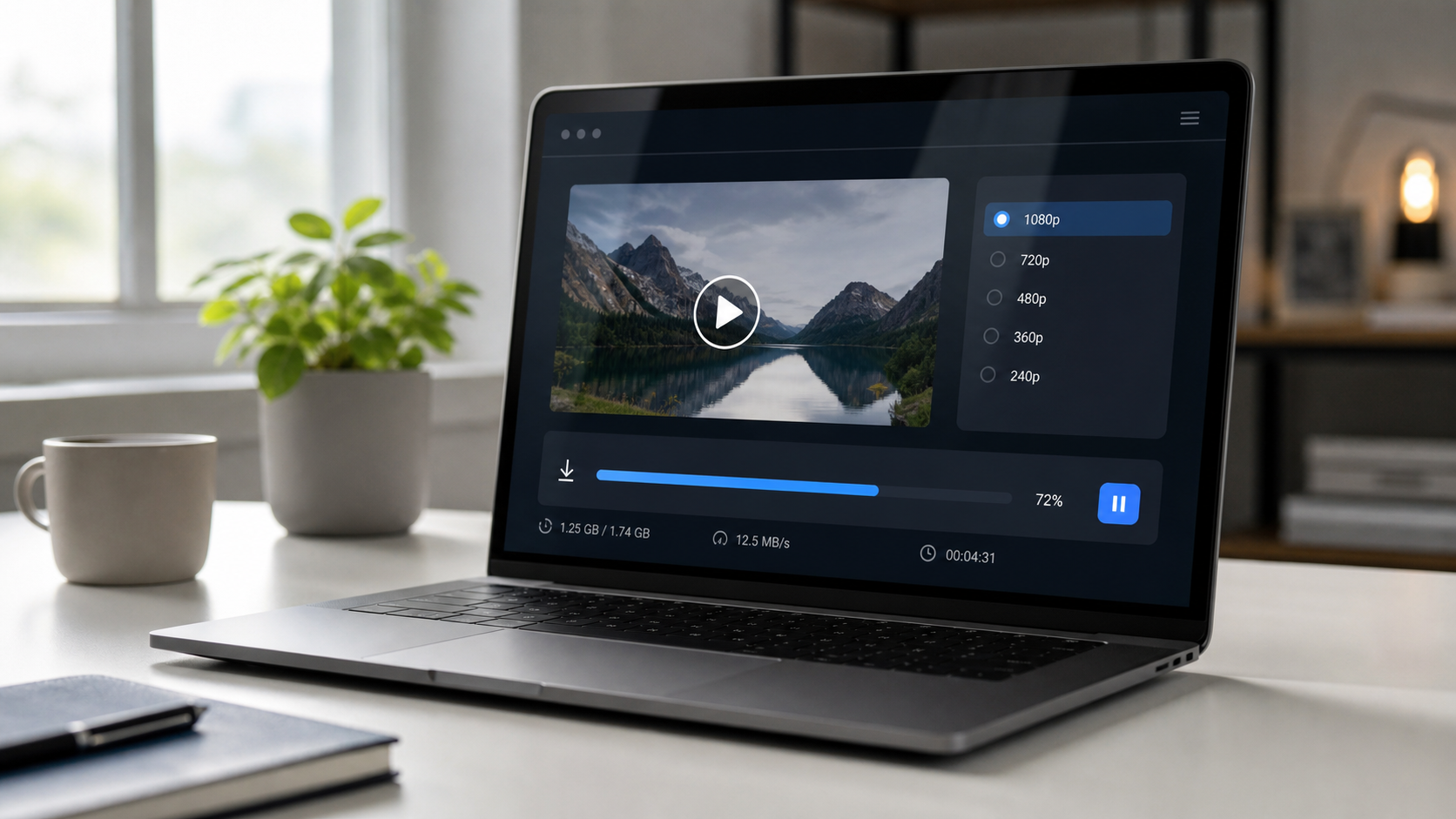
4K Video Downloader Plus is a desktop application from 4K Download Ltd. The free tier allows 30 downloads per day, supports up to 1080p, and handles the FFmpeg merging step automatically without you needing to touch the command line.
Key features for 1080p downloads:
- Paste URL, select quality, click Download. Three steps, no extension needed.
- Automatic audio/video stream merging (this is what makes true 1080p possible).
- Subtitle download included.
- Supports playlists and channels.
- Available for Windows 10/11, macOS 12+, and Ubuntu 20.04+.
The free version has a 30-downloads-per-day cap and displays ads. The paid Personal plan is $25 lifetime, which removes the cap and ads.
Limitation: Like all third-party tools, using it on copyrighted content violates YouTube ToS. Use it for Creative Commons content or your own videos only.
Method 2: ClipGrab (Desktop, Free, Open Source)
Best for: Users who want a completely free, no-account desktop option.
ClipGrab is a free, open-source desktop downloader for Windows, macOS, and Linux. It supports YouTube, Vimeo, and Dailymotion. At 1080p, it relies on FFmpeg, which it bundles on Windows. On macOS, you may need to install FFmpeg separately via Homebrew.
Trade-offs versus 4K Video Downloader Plus:
- No download cap.
- UI is less polished and has not been updated as frequently.
- Playlist download support is limited (single videos only in ClipGrab 3.x as of 2026).
- No channel subscription feature.
ClipGrab is solid for occasional single-video downloads where you do not want to pay or sign up for anything.
Method 3: yt-dlp Command Line (Windows/macOS/Linux)
Best for: Technical users who want maximum control and no GUI.
yt-dlp is an actively maintained open-source fork of youtube-dl. As of March 2026, it receives updates daily to stay ahead of YouTube’s bot detection and signature changes. [source: rapidseedbox yt-dlp guide]
Installation (macOS/Linux, with Homebrew):
brew install yt-dlp ffmpeg
Installation (Windows):
Download yt-dlp.exe from the official GitHub releases page. Place it in a folder in your PATH.
Download at 1080p:
yt-dlp -f "bestvideo[height=1080]+bestaudio" --merge-output-format mp4 "VIDEO_URL"
The -f flag specifies format selection. bestvideo[height=1080] picks the 1080p video stream; bestaudio picks the best available audio. FFmpeg merges them automatically.
Without FFmpeg, yt-dlp caps at 720p. FFmpeg is a required dependency for true 1080p output.
yt-dlp gives you the most control (format selection, subtitle extraction, metadata embedding, batch downloads from a text file) but requires comfort with a terminal.
Method 4: YouTube Premium Offline (Mobile Only, Subscription)
Best for: Users who want a fully legal, no-risk method and are already subscribed to YouTube Premium.
YouTube Premium ($13.99/month in the US as of April 2026 [source: simplytechtoday.com]) includes an offline download feature inside the YouTube app. You can select up to 1080p quality for downloads.
Limitations:
- Files are DRM-encrypted and tied to your account. You cannot move them to another device or edit them.
- Downloads expire if your Premium subscription lapses.
- Downloads stay inside the YouTube app only, no file manager access.
- 4K offline is not available through this method. [source: techradar.com]
This is the only zero-legal-risk method on this list. It is the right choice if offline personal viewing is your goal and you do not need a portable file.
Step-by-Step: 4K Video Downloader Plus
This tutorial covers the free version. It works on Windows and macOS.
Step 1: Download and install
Go to 4kdownload.com and click the download button for your operating system. The installer is under 50 MB. Run it and follow the standard installation prompts.
Step 2: Copy the YouTube video URL
Open your browser and go to the YouTube video you want to download. The video must be Creative Commons licensed or your own content. Copy the full URL from the address bar.
Step 3: Paste the URL into 4K Video Downloader Plus
Open 4K Video Downloader Plus. Click the green Paste Link button in the top-left corner. The application will fetch the available formats from YouTube. This takes 3 to 10 seconds.
Step 4: Select 1080p quality
A format selection window appears. Under Quality, choose 1080p. Under Format, choose MP4 for widest compatibility. Leave subtitles selected if you want them as a separate .srt file.
Click Download.
Step 5: Wait for the merge
The app downloads the video and audio streams separately, then merges them. You will see two progress bars followed by a brief merge step. Total time depends on your connection speed and the video length.
Step 6: Locate your file
Click the folder icon next to the completed download in the list to open the output folder. Your file is an MP4 at 1080p, ready to play in VLC, QuickTime, or any media player.
Troubleshooting: If the download fails, the video may have restricted embedding or age verification. Log in to your Google account inside 4K Video Downloader Plus settings (under “Smart Mode”) to resolve most age-restricted download failures.
Our Pick: 4K Video Downloader Plus
For most people reading this, 4K Video Downloader Plus is the right tool.
Here is why it earns the top spot over the alternatives:
- No FFmpeg setup required. The application handles stream merging internally. You do not need to open a terminal.
- Reliable updates. The team patches for YouTube changes quickly. It was working at 1080p as of the date of this article (August 2026).
- Free tier is genuinely usable. 30 downloads per day covers most real-world needs without paying.
- Cross-platform. Works on Windows, macOS, and Linux with the same interface.
- Playlist and channel support. If you are archiving your own channel, this matters.
Where it falls short:
- The free version shows ads.
- 30-downloads-per-day cap means it is not suitable for bulk archiving projects. yt-dlp is better there.
- It does not work for streaming services beyond YouTube, Vimeo, and a handful of others. WinX DVD Ripper (winxdvd.com) is the better option if you are also dealing with physical disc ripping.
Pricing: Free (30 downloads/day, ads). Personal plan is $25 lifetime. Pro plan is $60 lifetime and adds batch smart mode and priority support. [source: softwarefinder.com]
Download 4K Video Downloader Plus free
Comparison Table
| Tool | Free | 1080p | GUI | Playlist | Legal Use Case |
|---|---|---|---|---|---|
| 4K Video Downloader Plus | Yes (30/day) | Yes | Yes | Yes | CC content, own videos |
| ClipGrab | Yes, unlimited | Yes | Yes | Limited | CC content, own videos |
| yt-dlp | Yes, unlimited | Yes | No (CLI) | Yes | CC content, own videos |
| YouTube Premium Offline | No ($13.99/mo) | Yes | App only | Yes | All content (legal) |
FAQ
Can I legally download any YouTube video for free in 2026?
No. You can legally download Creative Commons-licensed videos, your own uploaded content via YouTube Studio, and videos the creator has explicitly permitted you to download. All other content is protected by YouTube’s Terms of Service and may be protected by copyright law. YouTube Premium is the only legally covered option for general offline viewing.
Why does my YouTube downloader only give me 720p, not 1080p?
YouTube delivers 1080p as two separate streams (video only plus audio only). Without a tool that merges these streams using FFmpeg or equivalent, you are capped at 720p, which is the highest resolution YouTube still delivers in a single combined stream. Choose a tool that handles this merging step, such as 4K Video Downloader Plus or yt-dlp with FFmpeg installed.
Is 4K Video Downloader Plus safe?
Yes. It is published by 4K Download Ltd., a company founded in 2011 and headquartered in Kyiv, Ukraine. The application does not bundle adware or third-party toolbars. The installer is available directly from 4kdownload.com. Verify you are downloading from that domain, not a mirror or clone site.
What happened to youtube-dl in 2026?
The original youtube-dl project is less actively maintained. yt-dlp is its most active fork and receives daily updates to stay current with YouTube’s changing download protection. For new setups, use yt-dlp rather than youtube-dl.
Does 4K Video Downloader Plus work on Mac in 2026?
Yes. It requires macOS 12 (Monterey) or later. The macOS version is a native application, not a web wrapper. It handles the FFmpeg dependency internally, so you do not need to install anything else.
Verdict
For 1080p downloads in 2026, the method you choose depends on your use case:
- Easiest, reliable GUI: 4K Video Downloader Plus. Free tier handles most needs. Paid lifetime plan removes all caps.
- Free and unlimited, GUI: ClipGrab. Works, no frills.
- Maximum control, technical users: yt-dlp with FFmpeg.
- Legal with no restrictions on content: YouTube Premium offline (in-app only).
Before downloading anything, confirm the video’s license. Creative Commons content is marked on the YouTube video page under “Show more > License.” For your own content, YouTube Studio provides a bulk export tool at studio.youtube.com.
For most readers, 4K Video Downloader Plus is the practical first choice.
Related articles on bestvideodownloader.net:
– Best YouTube Video Downloader 2026
– How to Download YouTube Videos Legally
– Cobalt.tools Review 2026
Leave a Reply