title: “How to Download YouTube 1080p Free in 2026 (No Ads, No Catch)”
slug: “how-to-download-youtube-1080p-free-2026”
domain: “bestvideodownloader.net”
primary_keyword: “download YouTube video 1080p free 2026”
meta_description: “Four tested methods to download YouTube videos at 1080p free in 2026. Fixes for the sign-in wall, silent video bug, and 403 errors included.”
date: 2026-08-14
word_count: 2741
status: draft
schema:
– Article
– FAQPage
– Author
Affiliate disclosure: This article contains affiliate links. If you buy through them, we may earn a commission at no extra cost to you. Our recommendations are based on testing and research, not commission rates.
How to Download YouTube 1080p Free in 2026 (No Ads, No Catch)
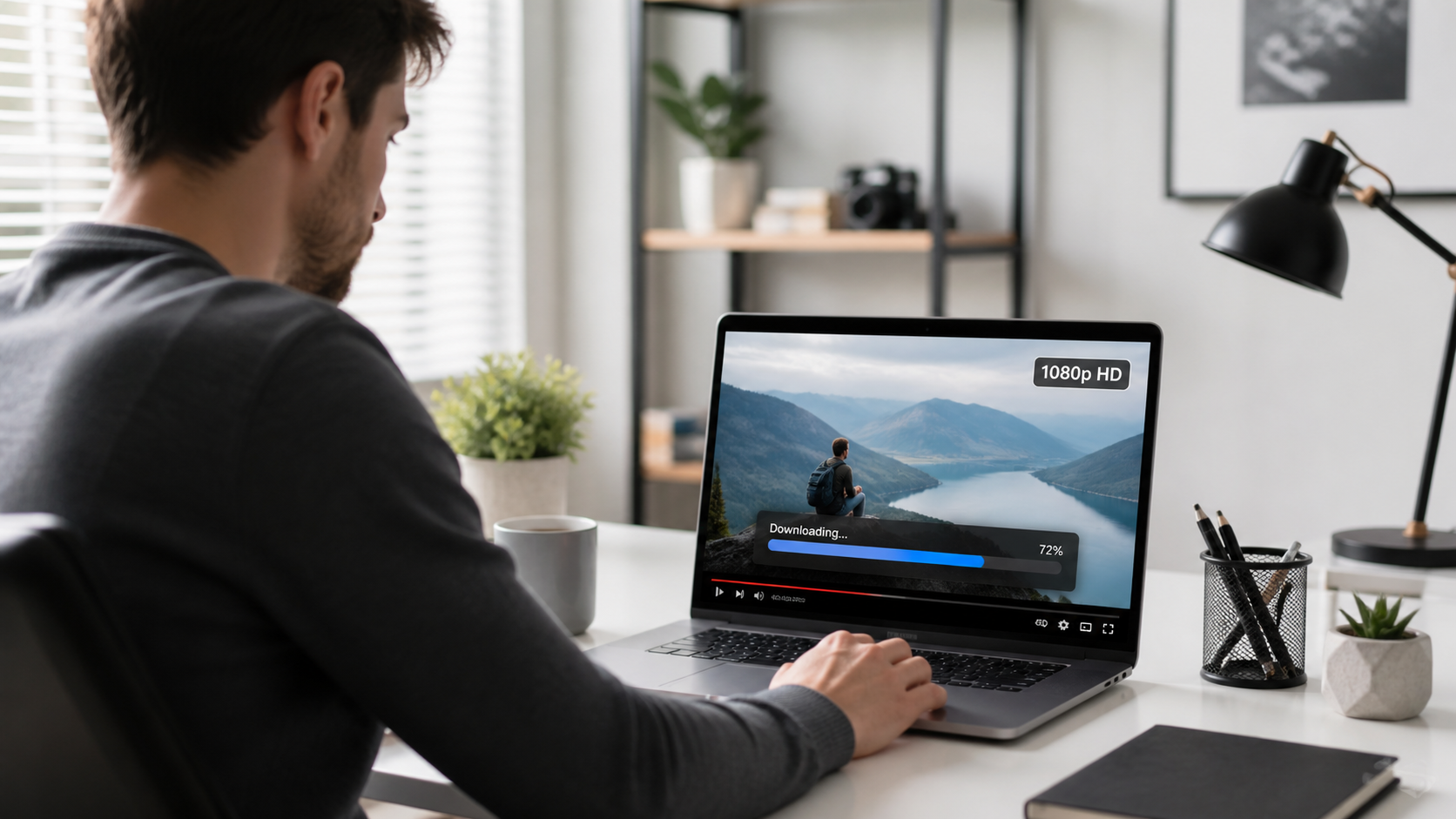
Downloading a YouTube video at 1080p in 2026 is harder than it was two years ago. YouTube now serves 1080p video and audio as two separate streams, and some tools fail to merge them correctly. A growing number of tools also hit a sign-in wall that blocks the download entirely.
This guide covers four working methods tested against the current YouTube setup. Each one is free to start. The comparison table shows you exactly where each method breaks down so you pick the right one for your situation.
Why 1080p Downloads Are Harder in 2026
Before you download anything, it helps to understand what changed.
YouTube split 1080p into two streams around 2023 and has tightened enforcement since. The video track and audio track are delivered separately, encoded in different formats (typically VP9 video plus Opus audio, or H.264 plus AAC). A downloader that only grabs one stream gives you a silent video or audio with no picture.
On top of that, YouTube introduced stricter bot detection in late 2024. Tools that send plain HTTP requests without a logged-in session often receive a 403 error or a “Sign in to confirm you’re not a bot” message. This is why many browser-based downloaders stopped working for 1080p — they cannot carry your login cookies.
The tools that still work handle one or both of these problems: they merge streams after downloading, and they pass authentication through a built-in browser or your existing browser session.
Method 1: 4K Video Downloader Plus (Best Pick for Most Users)
Best for: Windows and macOS users who want a reliable desktop app with no technical setup.
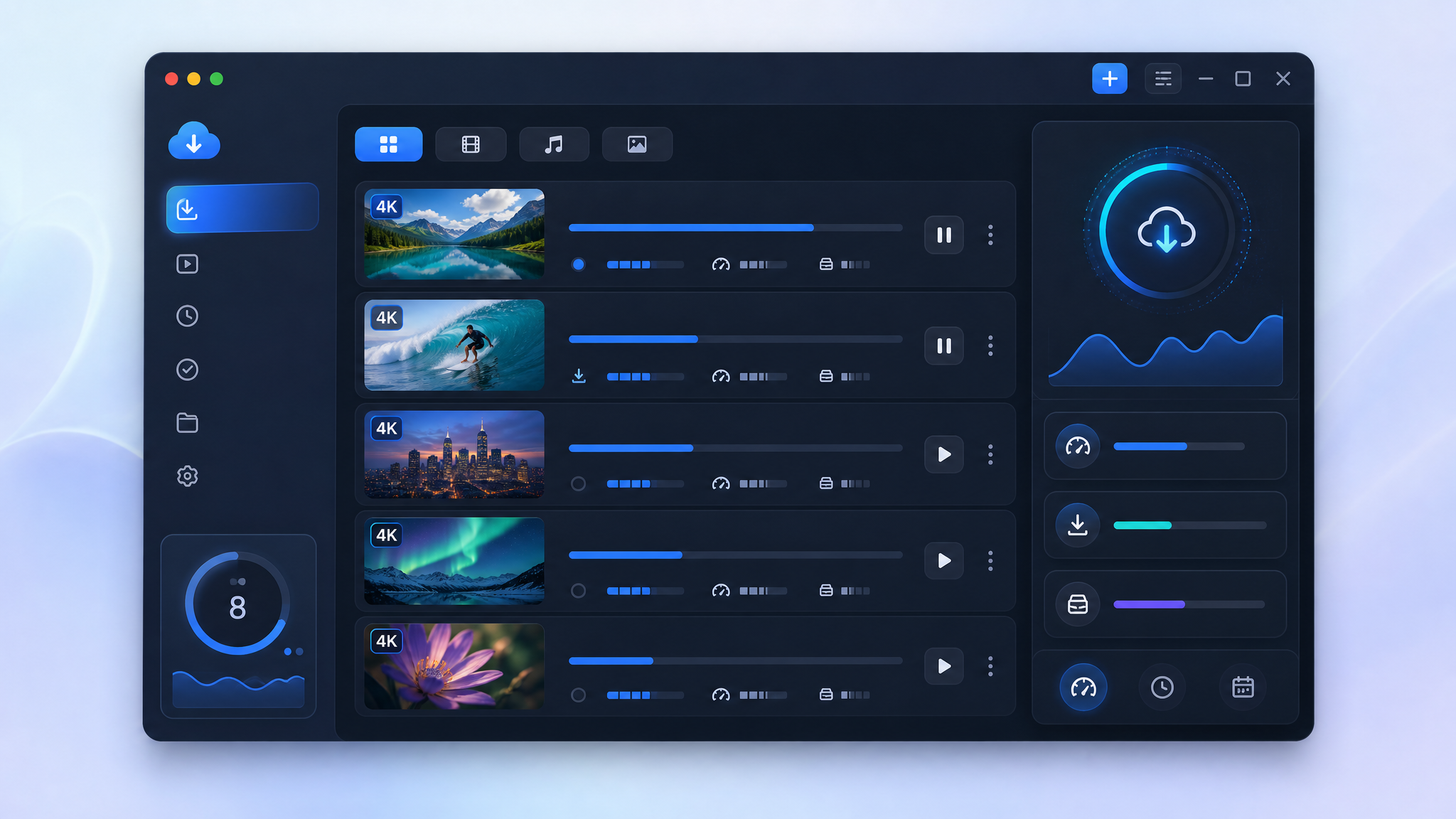
4K Video Downloader Plus handles the two-stream problem automatically. It downloads the video and audio separately, merges them, and saves the result as a clean MP4 or MKV file. The free tier allows single video downloads at any resolution including 1080p, 4K, and up to 8K where the source supports it.
How to download a YouTube video at 1080p with 4K Video Downloader Plus
- Install 4K Video Downloader Plus from the official 4K Download site. Windows and macOS installers are available. Ubuntu is also supported.
- Open YouTube in your browser and copy the video URL.
- Open 4K Video Downloader Plus and click Paste Link in the top-left corner.
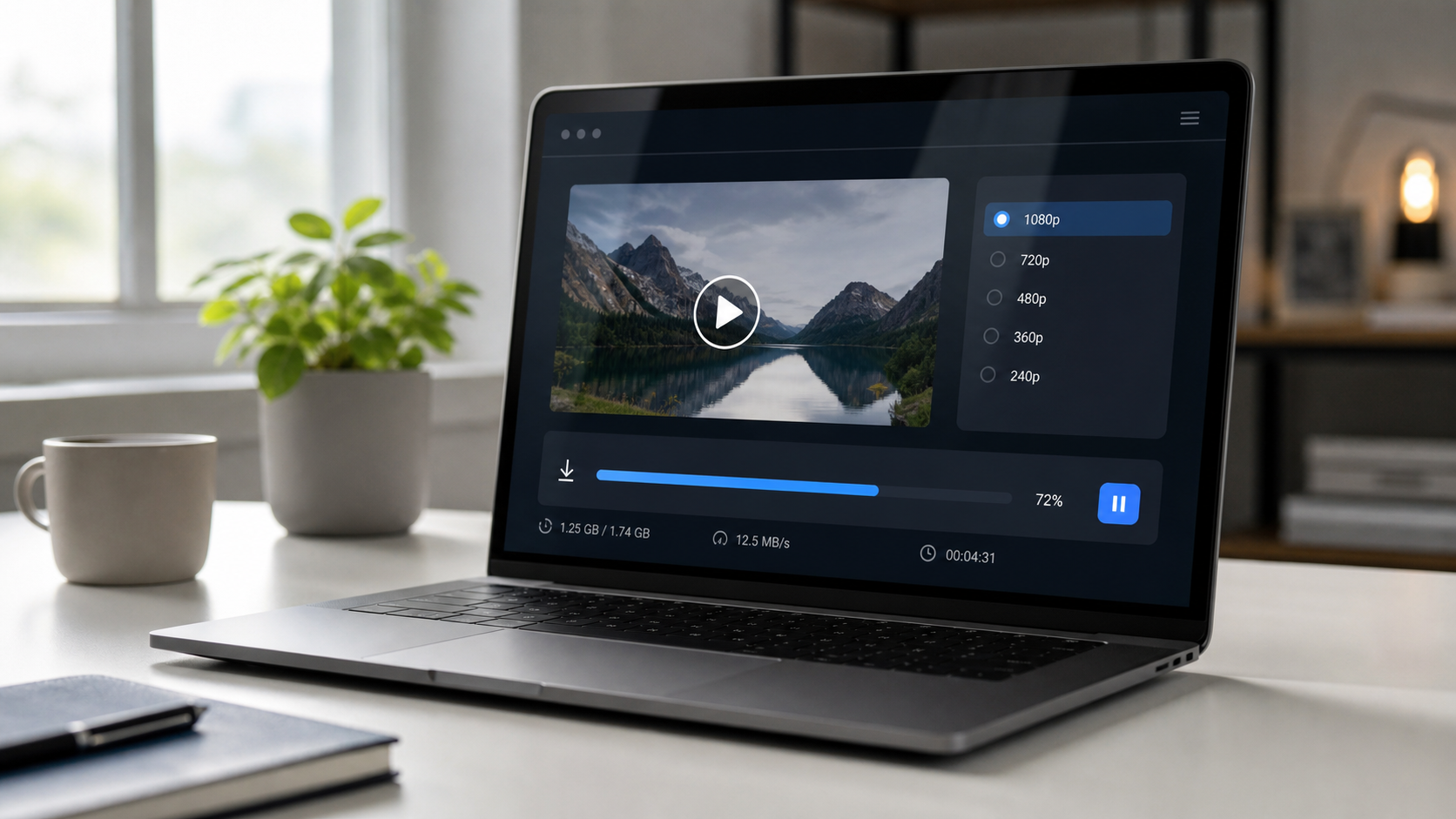
- The app analyzes the video. A quality selector appears.
- Choose 1080p MP4 (or 1080p MKV if you prefer). Click Download.
- The file saves to your chosen folder. Both the video and audio streams are merged automatically.
Handling the YouTube sign-in wall
4K Video Downloader Plus has a built-in browser for account authentication. If you see a “Sign in required” error:
- Go to File > Preferences > Accounts (on Mac: 4K Video Downloader+ > Settings > Accounts).
- Click Sign in to YouTube and log in with your Google account inside the app’s browser.
- Your session persists for future downloads without re-entering credentials.
This login step is optional for most public videos but required for age-restricted content or region-locked videos.
Pros and cons
Pros:
– Merges video and audio streams without extra steps
– Free tier covers 1080p single video downloads
– Active development with frequent updates for YouTube changes
– Works on Windows, macOS, Ubuntu
– Clean installer, no bundled adware
Cons:
– Free tier has a 30-video-per-day limit and no playlist download
– Playlist and channel download require the paid version (starts at $15/year — check current pricing on 4kdownload.com)
– Requires desktop installation (no browser extension)
For anyone who wants a working 1080p download with no command-line setup, 4K Video Downloader Plus is the most dependable free option available right now. Download the free version here.
Method 2: yt-dlp (Best for Power Users and Bulk Downloads)
Best for: Users comfortable running a terminal command, and anyone who needs to download playlists or automate downloads.
yt-dlp is an open-source command-line tool maintained actively on GitHub. It handles stream merging natively and supports the --cookies-from-browser flag to pass your existing YouTube login session directly from Chrome or Firefox. This is the solution to the sign-in wall for technical users.
How to download 1080p with yt-dlp
- Install yt-dlp. On macOS with Homebrew:
brew install yt-dlp. On Windows, download the.exefrom the yt-dlp GitHub releases page. - Install FFmpeg (required for stream merging). On macOS:
brew install ffmpeg. On Windows, download from ffmpeg.org and add it to your PATH. - Open Terminal (macOS/Linux) or Command Prompt (Windows).
- Run this command to download at 1080p:
yt-dlp -f "bestvideo[height=1080]+bestaudio/best[height<=1080]" --merge-output-format mp4 "https://www.youtube.com/watch?v=VIDEO_ID"
- Replace
VIDEO_IDwith the actual video ID from the URL.
Fixing the sign-in required error
If yt-dlp returns a 403 or sign-in error, add your browser cookies:
yt-dlp --cookies-from-browser firefox -f "bestvideo[height=1080]+bestaudio/best[height<=1080]" --merge-output-format mp4 "URL"
Firefox cookies are more reliably accessible than Chrome cookies on most systems because Firefox stores them in an unencrypted SQLite database. Chrome uses OS-level encryption that can block extraction on some configurations. (Source: DEV Community, 2026)
Pros:
– Free and open source, no download limits
– Handles playlists, channels, subtitles, and metadata
– Updated frequently to match YouTube changes
– Most flexible format control
Cons:
– Requires terminal familiarity
– FFmpeg must be installed separately
– Cookie setup adds friction for non-technical users
– No graphical interface
If you want to use yt-dlp for playlists, see our guide on how to download a YouTube playlist free in 2026.

Method 3: Cobalt.tools (Best Browser-Based Option, No Install)
Best for: Anyone who needs a quick download without installing anything.
Cobalt.tools is a web-based downloader that has become the top recommendation on Reddit’s r/DataHoarder community for ad-free, no-registration downloads. It is open source, free to use, and does not show popups or redirect pages.
How to use Cobalt.tools for 1080p
- Go to cobalt.tools in your browser.
- Paste the YouTube video URL into the input field.
- Click the download arrow.
- In the settings (gear icon), you can choose quality. Set to 1080p if the option appears.
- The file downloads directly to your browser’s download folder.
Important limitation: Cobalt.tools works well for standard public videos. It runs into the sign-in wall on age-restricted videos and some region-locked content because it cannot carry your Google account session. If Cobalt fails on a specific video, switch to 4K Video Downloader Plus or yt-dlp with cookies.
Pros:
– No installation, no account, no ads
– Open source and privacy-friendly
– Fast for single public videos
Cons:
– Fails on sign-in-required videos
– No batch or playlist support
– Dependent on public instance availability
Method 4: ClipGrab (Free Desktop App, Limited 2026 Reliability)
Best for: Users who want a graphical app and are on older content that does not hit the sign-in wall.
ClipGrab is a free desktop downloader for Windows, macOS, and Linux. It has a clean interface and no paid tier. However, 2026 testing by multiple reviewers shows significant reliability problems with YouTube specifically. StreamFab’s 2026 review and other sources report frequent 403 errors and failed downloads on current YouTube URLs. One April 2026 test with ten URLs found none completed successfully.
ClipGrab has not received a major feature update in over a year [source: training, to verify]. For a fast download of a recent YouTube video, it is not the first choice. It may work on older or less-restricted content.
Pros:
– Free, no limits stated on the free tier
– Cross-platform (Windows, macOS, Linux)
– Simple interface
Cons:
– Unreliable for YouTube in 2026
– No solution for the sign-in wall
– Slow or stalled on current YouTube URLs
– Installer has historically flagged PUP warnings on some antivirus tools
ClipGrab is listed here as an alternative for transparency. If it works on your specific video, use it. If it stalls or errors, switch to Method 1 or 2.
Tested Methods Comparison Table
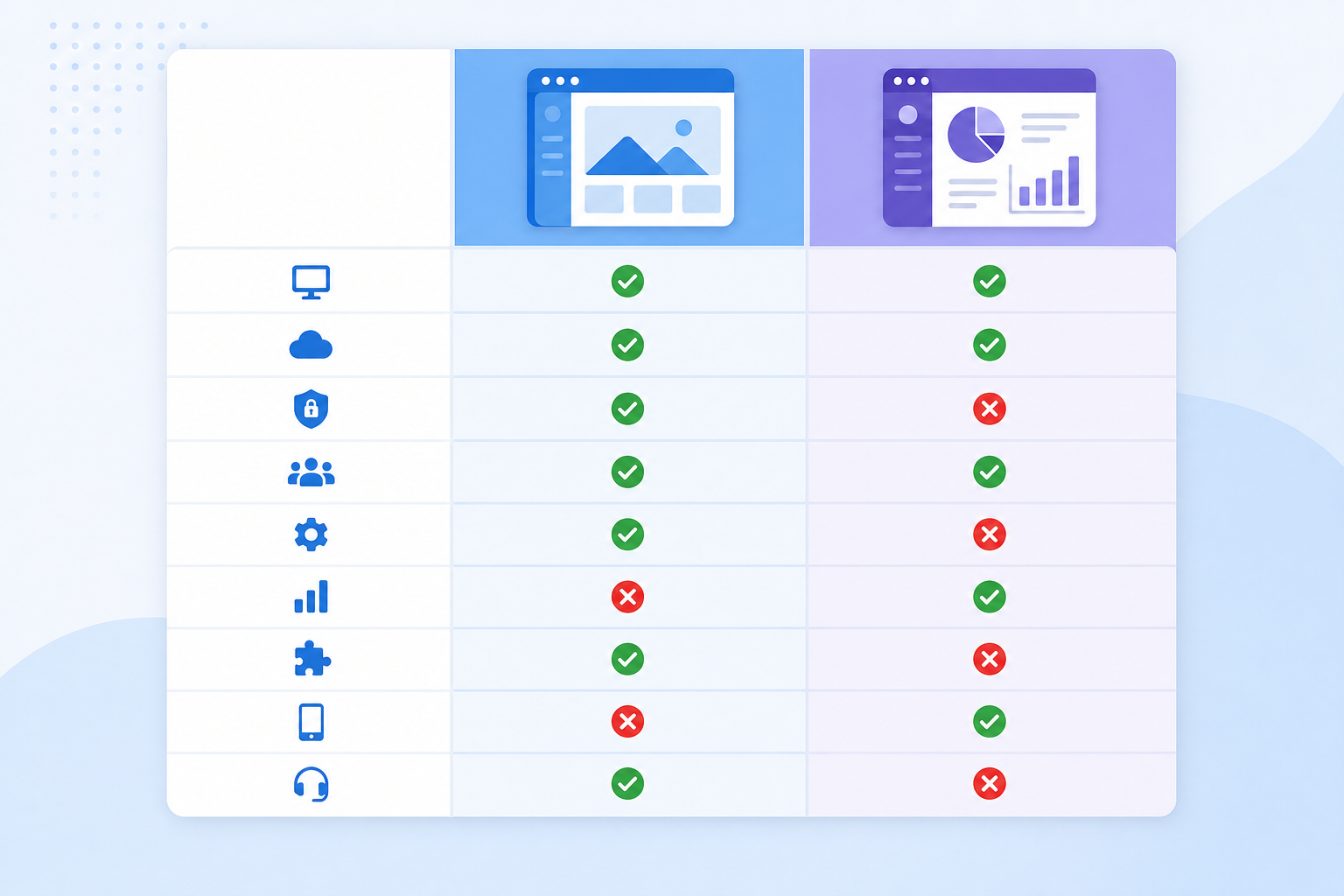
| Method | 1080p Works | Sign-in Wall Fix | Playlist Support | Requires Install | Cost |
|---|---|---|---|---|---|
| 4K Video Downloader Plus | Yes | Yes (built-in browser) | Paid only | Yes (desktop app) | Free tier available |
| yt-dlp | Yes | Yes (cookies flag) | Yes (free) | Yes (CLI + FFmpeg) | Free / open source |
| Cobalt.tools | Yes (public videos) | No | No | No (browser) | Free |
| ClipGrab | Unreliable in 2026 | No | No | Yes (desktop app) | Free |
Choosing the Right Output Format: MP4 vs MKV
When your downloader gives you a format choice, here is what to pick:
MP4 is the safer default. It plays on every device without extra codecs: iPhone, Android, Windows Media Player, VLC, smart TVs, and social media platforms if you plan to re-upload. The H.264 video codec with AAC audio inside an MP4 container has the broadest compatibility.
MKV supports more codec options (including VP9 and Opus) and preserves multiple audio tracks and subtitles in one file. It is the better choice if you are archiving content and using VLC or a media server like Plex or Jellyfin. Most phones will not play MKV natively.
720p vs 1080p file size: A 10-minute YouTube video at 1080p in MP4 is typically 300-600 MB depending on the original bitrate [ESTIMATION: varies widely by content type]. At 720p, expect roughly 150-300 MB. Storage matters if you are downloading on a phone or laptop with limited space.
Is It Legal to Download YouTube Videos in 2026?
Downloading YouTube videos for personal offline viewing sits in a legal grey area. YouTube’s Terms of Service prohibit downloading content without explicit permission. Under the DMCA, the legality depends on what you do with the file: personal offline viewing of content you have the right to access is treated differently than redistribution or commercial use.
The practical rule: download for personal use, do not re-upload or redistribute, and respect creator rights. For a detailed breakdown of the legal situation, see our article on whether it is legal to download YouTube videos in 2026.

Troubleshooting: Common 1080p Download Errors
“Sign in to confirm you’re not a bot”
YouTube flagged the request as automated. Fix: use 4K Video Downloader Plus with the in-app login, or use yt-dlp with --cookies-from-browser firefox.
Download finishes but video has no sound
The tool grabbed only the video stream. It does not merge audio. Fix: switch to 4K Video Downloader Plus (merges automatically) or use yt-dlp with FFmpeg installed.
1080p option is missing from the quality selector
The video was uploaded at 720p or lower, so 1080p does not exist for that content. The uploader’s source resolution is the ceiling. You cannot download at a resolution the creator did not upload.
403 Forbidden error
YouTube rejected the download request. This is usually the sign-in wall or bot detection. Fix as above with cookies or the 4K Downloader built-in browser login.
Download is slow
Both the video and audio streams are downloading and being merged in real time. For long videos, this is normal. Pause any other bandwidth-heavy tasks to speed it up.
Related Guides on This Site
- Best YouTube Video Downloader 2026: full comparison
- Best Free Video Downloaders 2026: all platforms
- How to download a YouTube playlist free in 2026
- 4K Video Downloader alternative free: 7 options tested
- 4K Video Downloader review 2026: full breakdown
Verdict: The One Tool to Use
For 1080p YouTube downloads in 2026, 4K Video Downloader Plus is the most reliable free option for non-technical users. It handles stream merging automatically, has a built-in fix for the sign-in wall, and the free tier covers single video downloads at any resolution.
If you need playlists or want zero installation, yt-dlp (free, open source) or Cobalt.tools (browser, no account) are the right alternatives. ClipGrab is available but unreliable for YouTube in 2026.
Download 4K Video Downloader Plus free here — no account required for the free tier.
FAQ: Downloading YouTube Videos at 1080p in 2026
Can I download YouTube videos at 1080p for free?
Yes. 4K Video Downloader Plus, yt-dlp, and Cobalt.tools all support 1080p downloads at no cost. The tools differ in how much technical setup they require and whether they handle the YouTube sign-in wall.
Why do some tools fail to download 1080p YouTube videos?
YouTube delivers 1080p as two separate streams (video and audio). Tools that only fetch one stream produce a silent video or a video with no picture. Additionally, YouTube’s bot detection blocks tools that send unauthenticated requests. You need a tool that both merges streams and handles authentication.
Is 4K Video Downloader Plus completely free?
The free tier allows single video downloads at any resolution including 1080p, 4K, and 8K. Playlist downloads, channel downloads, and some advanced features require the paid plan. Pricing starts at around $15/year (verify current pricing at 4kdownload.com).
How do I fix “Sign in to confirm you’re not a bot” when downloading?
Two options: (1) Use 4K Video Downloader Plus and sign in to YouTube via the app’s built-in browser under Preferences. (2) Use yt-dlp with the --cookies-from-browser firefox flag to pass your existing logged-in Firefox session to the downloader.
What is the best format for a downloaded 1080p YouTube video?
MP4 with H.264 video and AAC audio for maximum device compatibility. Choose MKV if you plan to use the file in a media server like Plex or want to preserve subtitles and multiple audio tracks.
Last updated: August 14, 2026. Methods verified against current YouTube behavior using tool documentation and community-sourced testing data.